Templates
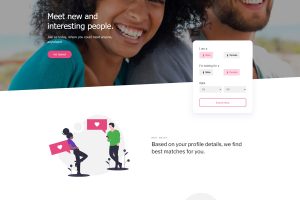
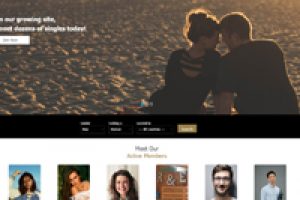
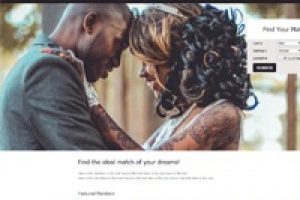
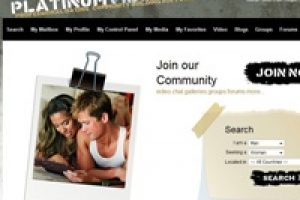
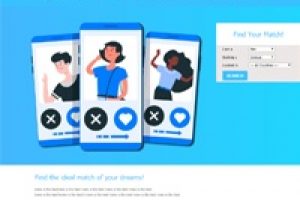
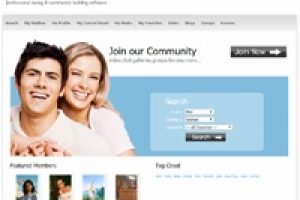
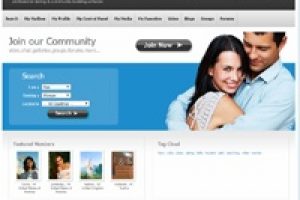
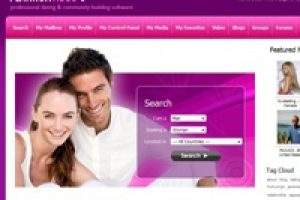
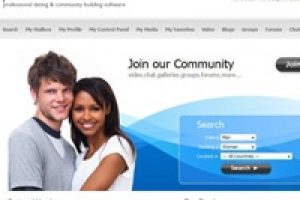
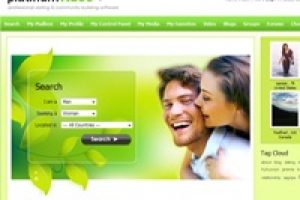
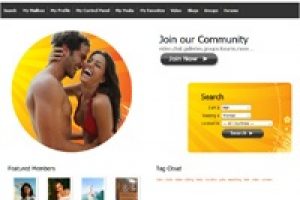
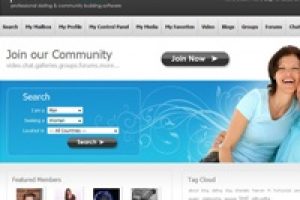
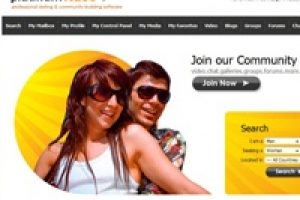
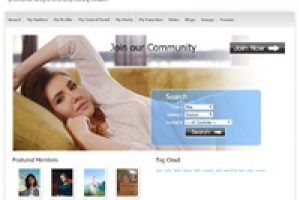
We have now included 30 new template skins with many configuration options to give your dating site endless design possibilities. To use a Skin, simply go to the Admin Control Panel and select Set Parameters and then choose General Options. You will see the drop down for the Skins. Select the Skin you want to use for your dating software and click on Save.
Check back for updates to the Skins. If you would like a custom template Design/Skin done for your site, simply contact us.









Dating Software Template FAQ’s
What is the best dating template for my niche?
The best dating software template you can use for your dating site is the one that represents the niche you're in. This is very important for people first see images before text so be sure the image is what your niche dating site is.
Can I modify dating software templates?
Yes because most dating templates have generic dating related images so it's important that they get changed and the software allows for that to happen.
Should I use rotating images on my main page?
That's a tough question. Having a revolving carousel of images could add additional load time for your site so I would recommend sticking with one optimized image.
Can new templates be created from existing ones?
Yes, a simple image and color change and you've got yourself a new template. All of this can take less than 5 minutes.